
Core Technology · Optical Display
Optical Waveguide Display
Optical waveguide displays project glanceable information into the lens, keeping navigation, prompts and notifications in the wearer’s line of sight instead of on a phone. Below is how the optical stack is built and integrated; configuration-dependent figures are confirmed per program.
ภาพรวม
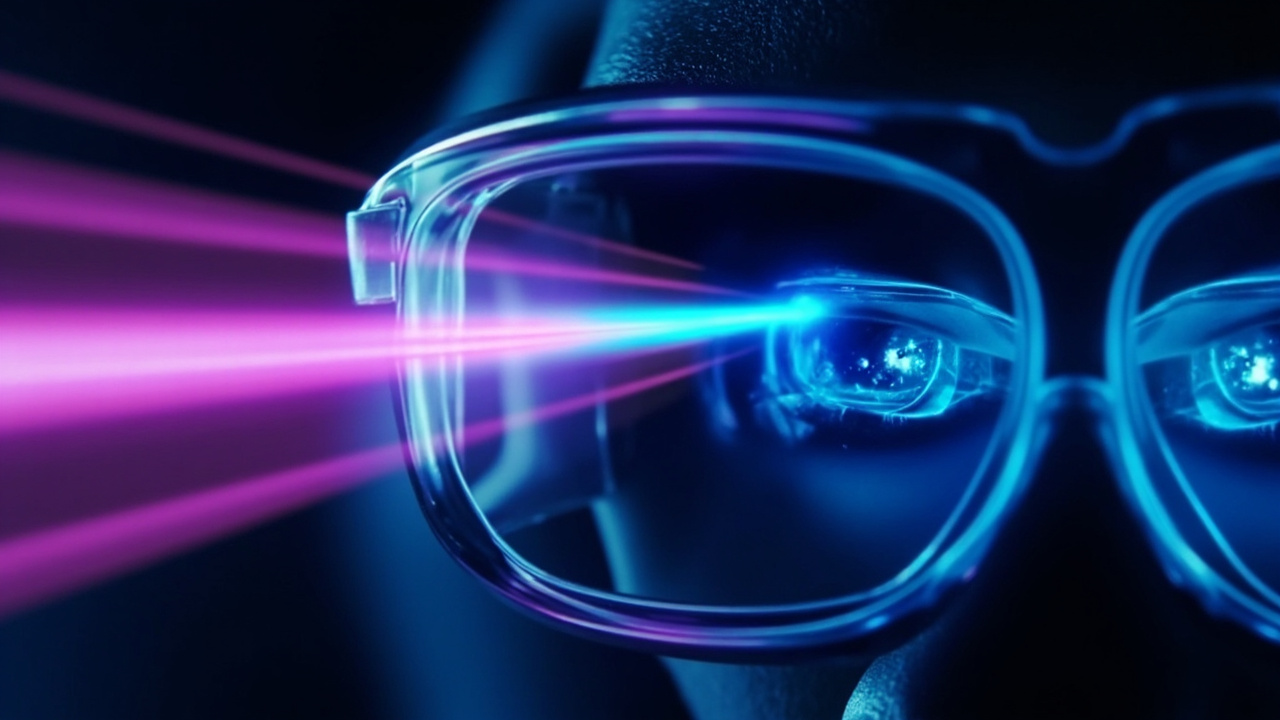
AR optical display inside the lens
Smart glasses need to show information without turning the wearer’s attention away from the task. A waveguide display moves that information into the lens: a micro-display generates the image, the waveguide carries and expands it across an optical combiner, and the eye sees a virtual image at a comfortable viewing distance.
- Eyes-up interaction. Turn-by-turn cues, workflow prompts and notifications are read without looking down at a handset.
- Balanced as eyewear first. Display brightness, weight balance and lens tinting are co-engineered so the product stays comfortable as everyday glasses.
- Platform-level integration. The display is engineered together with processor, battery and firmware rather than added as a separate module.
CYNRIN is developing its waveguide-enabled platform family. Detailed field-of-view, brightness and resolution specifications are shared with qualified programs under NDA.
องค์ประกอบโครงสร้างทางวิศวกรรม
องค์ประกอบหลักที่ทีมงานของเราปรับแต่งร่วมกันเมื่อทำการจัดส่งความสามารถนี้บนแพลตฟอร์ม
วิธีการทำงาน
ห่วงโซ่แบบครบวงจร
ตั้งแต่ข้อมูลเข้าจนถึงประสบการณ์ผู้ใช้ ถูกออกแบบให้เป็นระบบเดียว ไม่ใช่โมดูลที่นำมาวางซ้อนกัน
Micro-display engine
Compact display panels generate the source image sized for wearable optics and power budgets.
Waveguide coupling & expansion
Input and output couplers guide light through the lens and expand the exit pupil for a usable eye box.
Eyewear integration
Optical combiners, tinting, temple weight and thermal design are tuned together for wearable balance.
ภายในเทคโนโลยี
วิธีที่ชิ้นส่วนต่างๆ เข้ากันได้อย่างลงตัว
ภาพรวมเชิงโครงสร้างของความสามารถนี้ ตัวเลขที่ขึ้นอยู่กับการกำหนดค่าจะได้รับการยืนยันตามโครงการ ไม่ได้เผยแพร่เป็นตัวเลขโดยรวมทั่วไป
การประยุกต์ใช้งาน
สถานที่ที่เทคโนโลยีนี้ถูกนำไปใช้
กรณีการใช้งานจริงที่แว่นตาอัจฉริยะแบบยกตาขึ้น ใช้มือเปล่า ช่วยเปลี่ยนวิธีการทำงานและการเคลื่อนไหวของผู้คน
อุตสาหกรรมและการผลิต
Hands-free work instructions and remote guidance stay in view while both hands work.
ดูกรณีการใช้งานความปลอดภัยและการทำงานภาคสนาม
Patrol cues and checklists appear at a glance during outdoor operations.
ดูกรณีการใช้งานการค้าปลีกและการศึกษา
Guided tours and training prompts are delivered eyes-up.
ดูกรณีการใช้งานแพลตฟอร์ม
จุดเริ่มต้นที่พิสูจน์แล้วสำหรับสายผลิตภัณฑ์ของคุณ
การกำหนดค่าแพลตฟอร์มที่พร้อมส่งมอบความสามารถนี้สำหรับโครงการ OEM, ODM และโครงการผลิตแบรนด์เฉพาะ
คำถามที่พบบ่อย
Optical Waveguide Display FAQ
Are waveguide displays available on every CYNRIN platform?
Can the display UI be branded and customized?
ผสานเทคโนโลยีนี้เข้ากับสายแว่นตาของคุณ
แจ้งตลาดเป้าหมายและความต้องการด้านแพลตฟอร์มของคุณให้เราทราบ ฝ่ายวิศวกรรมจะตอบกลับพร้อมข้อเสนอการกำหนดค่า ขอบเขตการปรับแต่ง และแนวทางการจัดทำตัวอย่าง