
Core Technology · Interaction
การควบคุมด้วยการสัมผัส
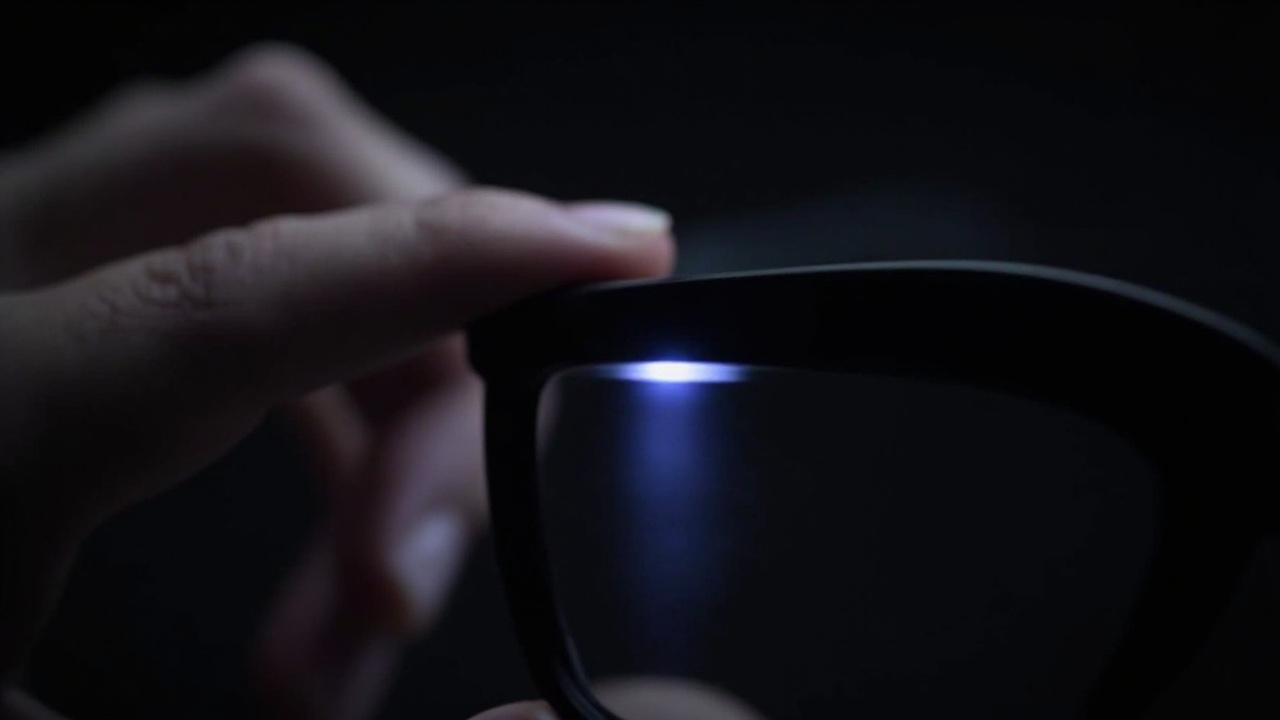
A capacitive touch surface on the temple turns natural taps and swipes into controls for capture, calls, playback and navigation — no phone in hand. Gesture recognition, false-touch filtering and feedback are tuned together.
ภาพรวม
Intuitive temple touch interaction
Once information and audio live on the glasses, users need a way to control them without reaching for a phone. A temple-mounted touch surface maps familiar gestures — tap, double-tap, swipe forward and back — to the actions users use most.
- Eyes- and hands-free control. Capture a photo, answer a call or skip a track by feel, even while riding or working.
- False-touch filtering. Capacitive tuning distinguishes deliberate gestures from adjusting the glasses, helmet contact and sweat.
- Consistent gesture language. The same gestures work across camera and audio platforms, with haptic or audio confirmation.
Exact gesture mappings and sensitivity are part of firmware configuration and can be reviewed in ODM programs.
วิธีการทำงาน
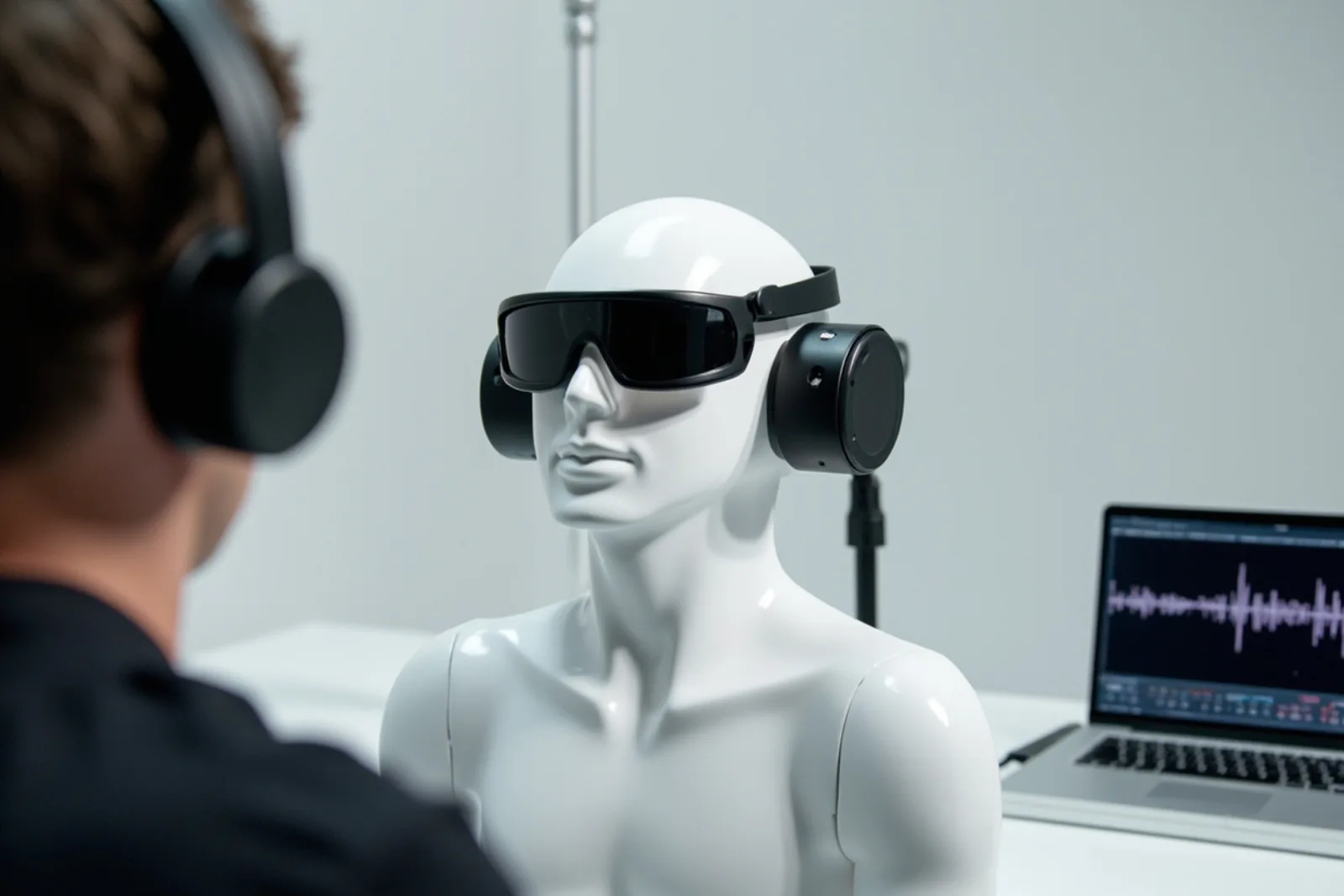
ห่วงโซ่แบบครบวงจร
ตั้งแต่ข้อมูลเข้าจนถึงประสบการณ์ผู้ใช้ ถูกออกแบบให้เป็นระบบเดียว ไม่ใช่โมดูลที่นำมาวางซ้อนกัน
Capacitive sensing
A touch-sensitive area on the temple detects tap and swipe input through the frame material.
Gesture logic
Firmware classifies gestures and rejects accidental contact from handling, headwear and weather.
Feedback
Audio cues or haptic response confirm actions so users do not need to look at a screen.
ภายในเทคโนโลยี
วิธีที่ชิ้นส่วนต่างๆ เข้ากันได้อย่างลงตัว
ภาพรวมเชิงโครงสร้างของความสามารถนี้ ตัวเลขที่ขึ้นอยู่กับการกำหนดค่าจะได้รับการยืนยันตามโครงการ ไม่ได้เผยแพร่เป็นตัวเลขโดยรวมทั่วไป
การประยุกต์ใช้งาน
สถานที่ที่เทคโนโลยีนี้ถูกนำไปใช้
กรณีการใช้งานจริงที่แว่นตาอัจฉริยะแบบยกตาขึ้น ใช้มือเปล่า ช่วยเปลี่ยนวิธีการทำงานและการเคลื่อนไหวของผู้คน
แพลตฟอร์ม
จุดเริ่มต้นที่พิสูจน์แล้วสำหรับสายผลิตภัณฑ์ของคุณ
การกำหนดค่าแพลตฟอร์มที่พร้อมส่งมอบความสามารถนี้สำหรับโครงการ OEM, ODM และโครงการผลิตแบรนด์เฉพาะ
คำถามที่พบบ่อย
การควบคุมด้วยการสัมผัส FAQ
Does the touch surface work with gloves or rain?
Can gestures be remapped?
ผสานเทคโนโลยีนี้เข้ากับสายแว่นตาของคุณ
แจ้งตลาดเป้าหมายและความต้องการด้านแพลตฟอร์มของคุณให้เราทราบ ฝ่ายวิศวกรรมจะตอบกลับพร้อมข้อเสนอการกำหนดค่า ขอบเขตการปรับแต่ง และแนวทางการจัดทำตัวอย่าง