
Core Technology · Interaction
Điều khiển bằng cảm ứng
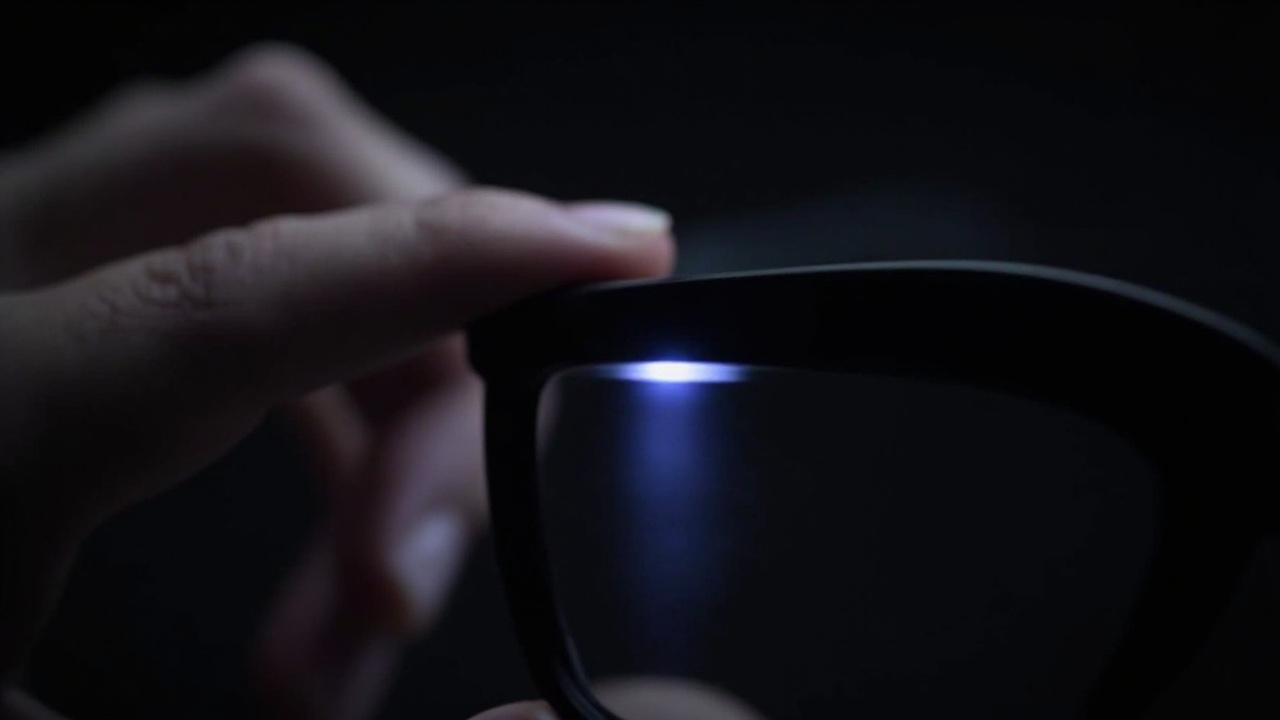
A capacitive touch surface on the temple turns natural taps and swipes into controls for capture, calls, playback and navigation — no phone in hand. Gesture recognition, false-touch filtering and feedback are tuned together.
Tổng quan
Intuitive temple touch interaction
Once information and audio live on the glasses, users need a way to control them without reaching for a phone. A temple-mounted touch surface maps familiar gestures — tap, double-tap, swipe forward and back — to the actions users use most.
- Eyes- and hands-free control. Capture a photo, answer a call or skip a track by feel, even while riding or working.
- False-touch filtering. Capacitive tuning distinguishes deliberate gestures from adjusting the glasses, helmet contact and sweat.
- Consistent gesture language. The same gestures work across camera and audio platforms, with haptic or audio confirmation.
Exact gesture mappings and sensitivity are part of firmware configuration and can be reviewed in ODM programs.
Cách thức hoạt động
Chuỗi liên kết từ đầu đến cuối
Từ khâu đầu vào đến trải nghiệm người dùng, được thiết kế như một hệ thống thống nhất thay vì các mô-đun xếp chồng lên nhau.
Capacitive sensing
A touch-sensitive area on the temple detects tap and swipe input through the frame material.
Gesture logic
Firmware classifies gestures and rejects accidental contact from handling, headwear and weather.
Feedback
Audio cues or haptic response confirm actions so users do not need to look at a screen.
Bên trong công nghệ
Cách các thành phần phối hợp với nhau
Một góc nhìn cấu trúc về năng lực. Các số liệu phụ thuộc vào cấu hình sẽ được xác nhận theo từng chương trình thay vì công bố dưới dạng con số tổng quát chung.
Ứng dụng
Nơi ứng dụng công nghệ này
Các trường hợp sử dụng thực tế, nơi kính thông minh rảnh mắt, không cần nhìn xuống màn hình, thay đổi cách mọi người làm việc và di chuyển.
Đi xe đạp
Control capture and calls without taking hands off the bars.
Xem trường hợp sử dụngChạy bộ & Ngoài trời
Skip tracks and answer calls by feel during movement.
Xem trường hợp sử dụngCông nghiệp & Sản xuất
Operators control workflows while wearing gloves and headwear.
Xem trường hợp sử dụngNền tảng
Các điểm khởi đầu đã được chứng minh cho dòng sản phẩm của bạn
Cấu hình nền tảng cung cấp năng lực này dành cho các chương trình OEM, ODM và chương trình nhãn riêng.
Hỏi đáp
Điều khiển bằng cảm ứng FAQ
Does the touch surface work with gloves or rain?
Can gestures be remapped?
Tích hợp công nghệ này vào dòng kính của bạn
Hãy cho chúng tôi biết thị trường mục tiêu và các yêu cầu về nền tảng của bạn. Bộ phận kỹ thuật sẽ phản hồi với đề xuất cấu hình, phạm vi tùy chỉnh và quy trình lấy mẫu.