
Independence, discreetly
Why eyewear is a natural accessibility form factor
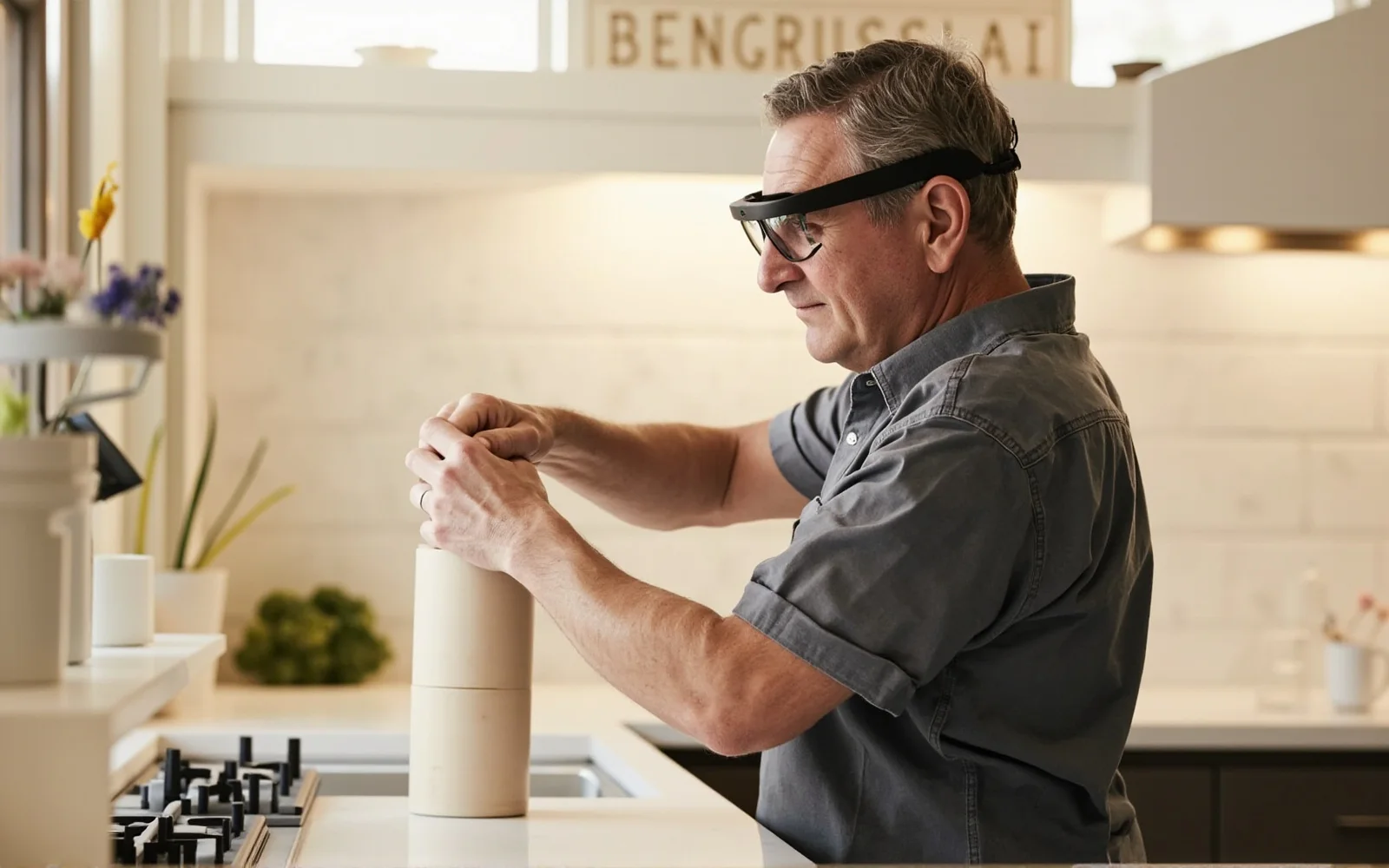
Accessibility technology succeeds when it disappears into ordinary life. Devices that signal a disability — conspicuous headsets, handheld scanners, sealed earbuds — can carry a social cost that discourages consistent use, however capable they are. Glasses are different: they are already ubiquitous, already associated with vision correction, and socially unremarkable. A pair of smart frames can deliver assistance while looking like normal eyewear.
The form factor offers three accessibility-relevant properties. First, open-ear audio conveys speech, prompts and calls without blocking environmental sound — critical for users who rely on hearing traffic, voices and room cues, and uncomfortable with in-ear occlusion. Second, it is genuinely hands-free: there is nothing to hold, raise or fumble, which matters for users with limited dexterity or who need their hands for a cane, a guide harness or a handrail. Third, an optional head-worn camera provides a first-person viewpoint for assistance applications, aimed wherever the user naturally looks.
Equally important is what the form factor avoids. It does not isolate the wearer, it does not occupy a hand, and it does not shout “assistive device.” For older users in particular, that discretion is often the difference between adopting technology and leaving it in a drawer.
The honesty caveat applies here as strongly as anywhere. CYNRIN provides a connected-eyewear hardware platform; it does not ship a medical device, a certified mobility aid or a guaranteed vision-restoration product. The assistive software — scene reading, navigation, captions, caregiver features — and any regulated claims are built and validated by the accessibility solution provider. The hardware is a strong, wearable foundation; it is not a cure.
What the platform enables
Open-ear audio and camera-led assistance
The platform’s value is best understood as a set of capabilities that assistive applications can draw on, rather than a single fixed feature.
Open-ear audio for prompts and communication
Spoken cues, reminders, turn-by-turn guidance and hands-free calls arrive without occluding the ear. Users with low vision retain their ambient auditory map of the world — approaching traffic, room acoustics, conversation — while still receiving information. The same open-ear principle is explained in the consumer open-ear vs earbuds guide.
Hands-free voice interaction
Controls that can be reached by voice remove fine-motor steps. Asking for the time, initiating a call, hearing a reminder or confirming a task happens without locating a small button or lifting a device — helpful for dexterity limitations and for hands occupied by mobility aids.
First-person camera for assistance apps
A camera aligned with gaze lets a partner application interpret the scene the user is facing — reading text, identifying objects or supporting remote human assistance. The camera is a platform capability; the interpretation is supplied by the solution software.
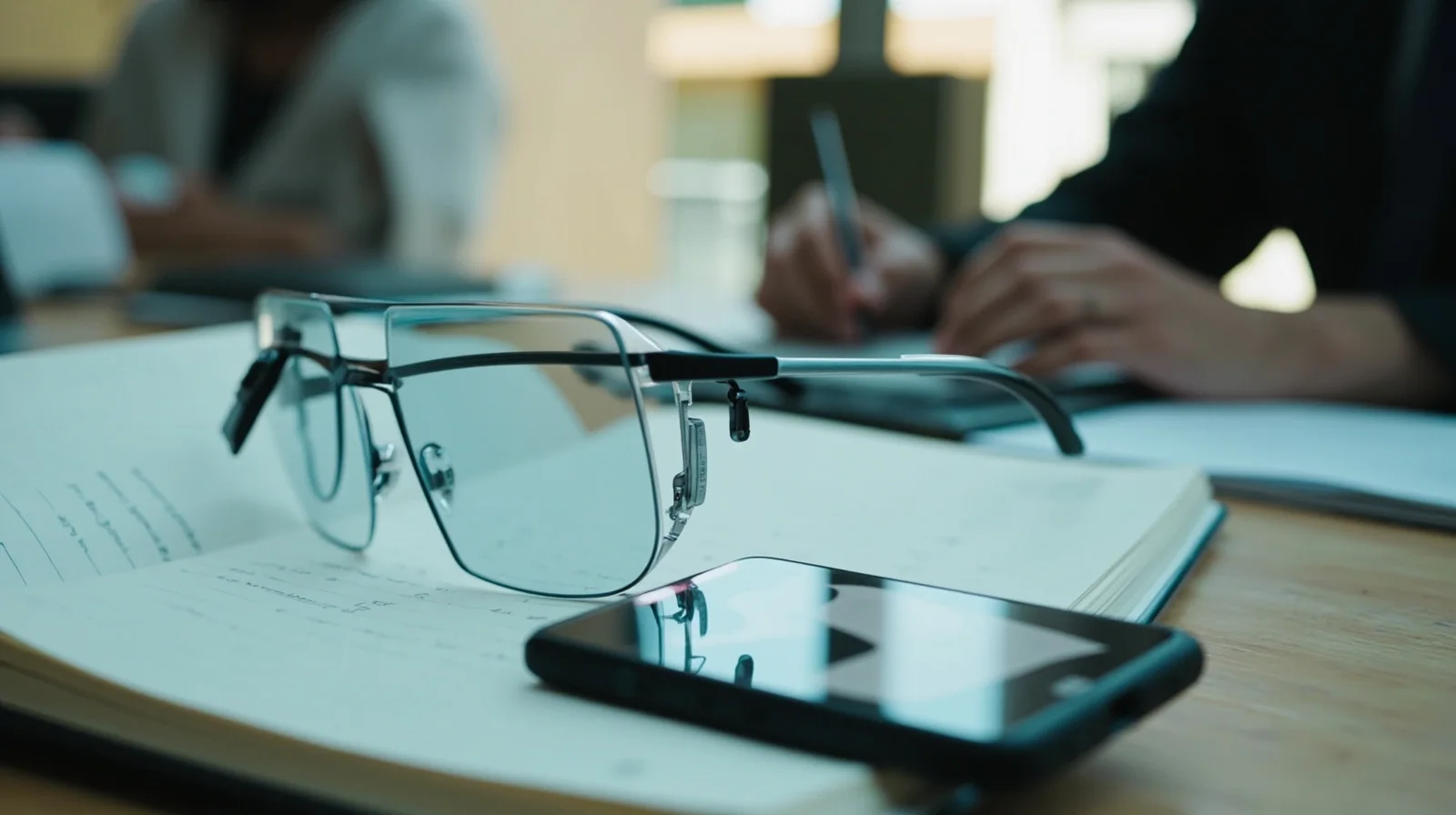
Not every user needs every capability. A camera-free, audio-only model is the right choice for users whose priority is discreet open-ear prompts and calls without any capture at all — an option that is especially relevant for children and privacy-conscious users (see the kids smart glasses pillar).
Everyday scenarios
Where assistive eyewear helps in real life
The strongest use cases are ordinary, daily moments rather than dramatic ones — which is exactly where sustained independence is won.
- Navigation and orientation. Spoken open-ear guidance supports wayfinding while the user keeps environmental sound audible and both hands free for a cane or handrail.
- Reading and everyday text. With a partner application, a first-person view can support reading labels, signs or documents aloud — subject to the software’s actual capabilities and accuracy.
- Home routines and reminders. Medication prompts, appliance confirmations and task cues delivered by voice reduce dependence on a screen.
- Hands-free communication. Calls to family or caregivers are answered by voice, no phone to locate, which is valuable for older users and users with motor limitations.
- Comfortable listening without isolation. Music, audiobooks and companionship through open-ear audio that keeps the wearer present in the room.
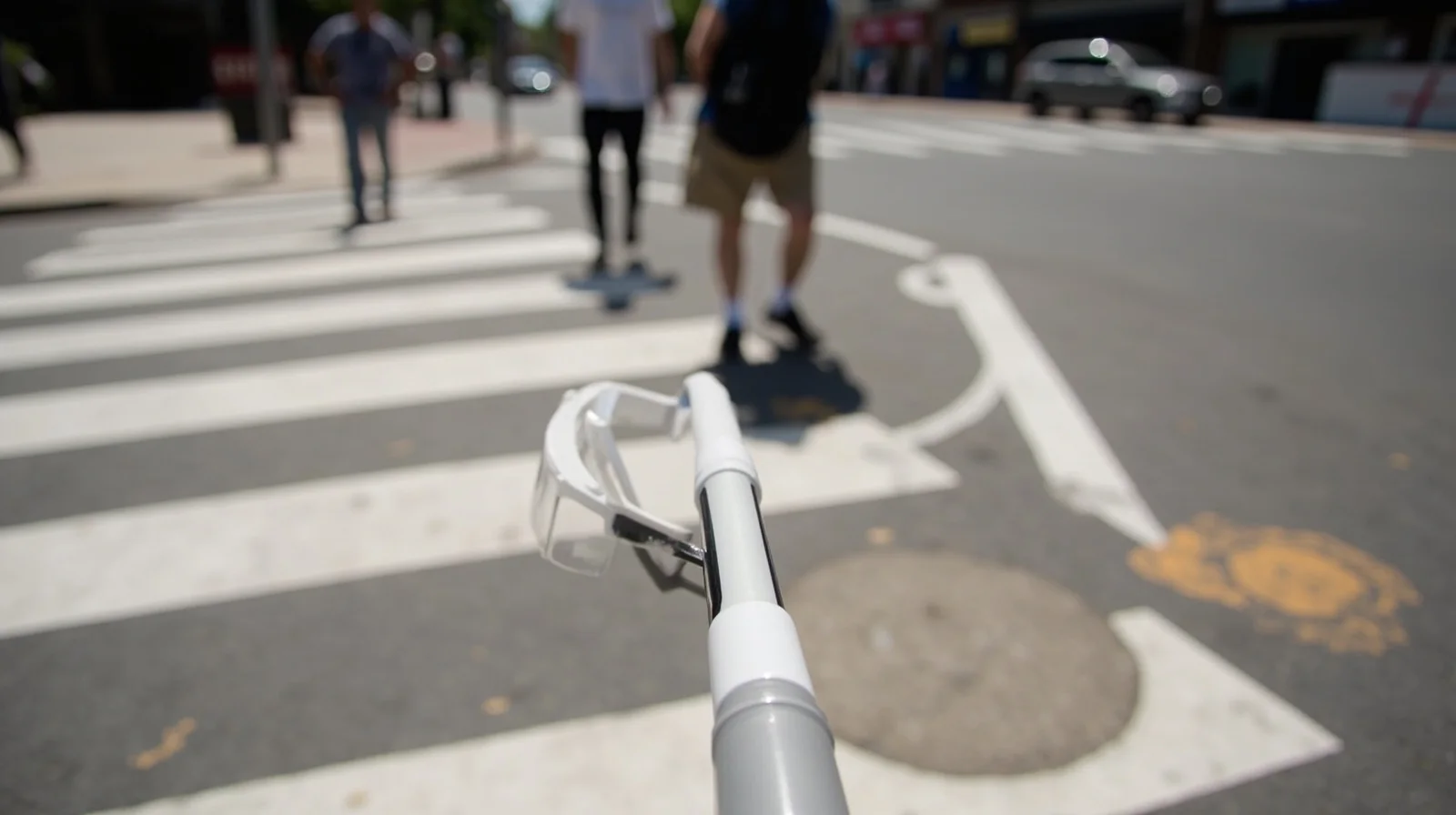
Accessibility use overlaps naturally with aged-care telehealth and remote check-in, covered in telehealth & remote consultation. The common thread is dignified, low-friction independence: technology that helps without taking over and without marking the user.
Honest claims
What assistive eyewear is not
A crowded accessibility market tempts vendors toward overpromise. Buyers — especially brands and care organizations — should be precise about the distinction between a capable hardware platform and a validated medical solution.
- It is not a vision-restoration device. Smart glasses do not correct blindness or replace the function of the eye; camera-led assistance interprets a scene through software and has real limits.
- Accuracy belongs to the application. Text reading, object recognition and navigation are only as reliable as the partner software; performance and any medical or accessibility claims must be validated by the solution owner.
- It is not a certified mobility or medical aid by default. The CYNRIN reference product is general connected eyewear. Regulatory classification depends on intended use and destination market and is the program owner’s responsibility.
- Camera-free options exist. Users and institutions that want audio assistance with zero capture can specify an audio-only platform, removing the camera question entirely.
This candor is deliberate. Defensible assistive products are built when a hardware partner is honest about the foundation and a specialist software partner owns the outcomes — the same division of responsibility maintained across the entire healthcare application.
Designing the hardware
Comfort, weight and trust for all-day wear
Assistive devices live or die on daily comfort, because the benefit compounds only with consistent wear. Frames are kept light and balanced for extended use, with fit considered for a wide range of users including older wearers and those who also use prescription lenses. Temple pressure, nose-pad feel and weight distribution are reviewed rather than treated as cosmetic.
Open-ear speakers are tuned so speech and cues remain clear at a comfortable level while environmental sound stays audible — a different acoustic goal than sealed earbuds. Microphones support reliable hands-free voice access in ordinary rooms and outdoors. For camera-led models, a visible privacy indicator keeps capture state clear to the user and bystanders alike; for camera-free models there is simply nothing to indicate.
Power is specified against the real pattern of prompts, calls and any camera assistance, and stated on the program datasheet rather than as a generic figure. Camera-first and audio-first platforms give brands a way to tier an accessibility line — full-assistance and camera-free variants sharing identity, packaging and companion experience, much as consumer brands tier camera and audio ranges. Custom geometry, accessory tooling and accessibility-minded packaging are available through ODM and customization.
Building the program
For accessibility brands, care groups and device makers
Customers building on the platform are typically accessibility-technology brands pairing their software with capable eyewear, aged-care and disability-service organizations, and device companies extending an existing assistive range. A responsible program follows a familiar path.
- Define the assisted task. Which specific independence goal — wayfinding, reading, communication, reminders — and which user population.
- Choose camera or camera-free. Match the platform to whether first-person assistance is needed or whether open-ear audio alone is the honest fit.
- Validate the software outcome. The solution provider tests accuracy, usability and any regulated accessibility claim with the intended users.
- Specify comfort and identity. Frame fit, open-ear tuning, privacy indicators and branded packaging for long-term daily wear.
- Pilot and scale honestly. Evaluate with real users through reference samples, then commit volumes; specifications, lead time and destination-market documentation are confirmed per program.
The result is a product people actually want to wear: discreet, open-ear, hands-free assistance on reliable eyewear, with every clinical or accessibility claim validated by the party best placed to stand behind it. Begin with request a quote or review the samples process.
Buying considerations
What to specify for an assistive program
Assisted task
The concrete independence goal and intended user population.
Camera vs camera-free
Whether first-person assistance is needed or open-ear audio alone is the honest fit.
Software validation
Who validates recognition/navigation accuracy and any regulated claim.
Open-ear comfort
Clear speech with environmental sound still audible, for all-day wear.
Privacy indicators
Visible capture state on camera models; zero-capture assurance on audio-only models.
Fit and packaging
Light frames for diverse and older wearers, with accessibility-minded packaging.
Browse the application
More healthcare guides
Keep exploring
Related reading
FAQ
Frequently asked questions
Can these glasses help someone who is blind or has low vision?
Is a camera-free version available?
Are they a certified medical or mobility device?
Can the wearer still hear their surroundings?
Can an accessibility brand private-label the glasses?
Build this use case into a private-label program
Tell us the workflow, environment and volume. Engineering scopes the platform, optics, power and documentation per program.