
The paperwork burden
Documentation happens after care, when memory has faded
Clinical and care documentation is a second shift. Nurses, therapists, technicians and field staff deliver care in the moment, then reconstruct the day afterward at a workstation: what was observed, which step was completed, what the wound looked like, how the patient responded. The gap between work and recording introduces delay, omission and error, and it contributes directly to the administrative burden reported across health and social care.
The usual digital tools — fixed computers, carts, phones — force a trade-off. To record, the worker must stop, turn away, occupy a hand and break contact with the person or task. So documentation is deferred until there is time, which is exactly when detail is least reliable. Each deferred note also creates a batch of catch-up charting at the end of a long shift.
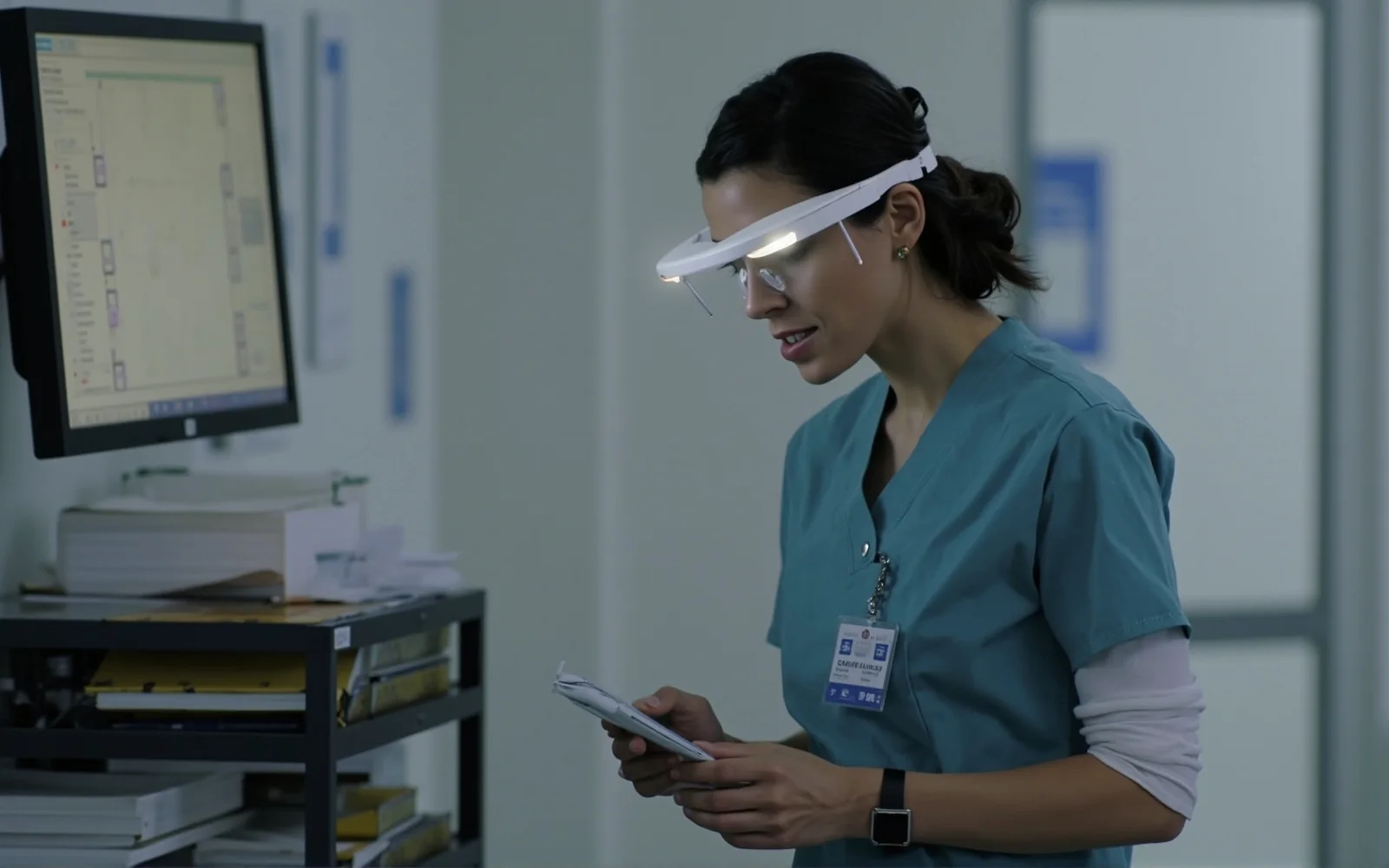
Head-worn capture inverts the sequence. Because the device is already worn, a note can be spoken or a visual captured while the work happens, with both hands free and without turning away. The record becomes a by-product of care rather than a separate chore. Open-ear audio keeps the wearer aware of the room, and the hands-free form factor means documentation no longer competes with the task for attention.
The boundary is unchanged and important. CYNRIN builds the connected-eyewear hardware; the clinical documentation system, speech processing, data security and any medical-records claims belong to the solution provider. The glasses are an input endpoint — a very convenient one — not an electronic health record and not a regulated medical device.
What gets captured
Voice notes, point-of-view visuals and quick confirmations
Hands-free documentation is not one feature but a few complementary capture modes, each suited to a different moment in a workflow.
- Spoken notes. The wearer narrates an observation or completion by voice while continuing the task — feeding the care application’s dictation or note workflow without occupying a hand.
- First-person stills and clips. A wound, a device reading, a completed setup or a supply condition is captured from the worker’s point of view and attached to the relevant record by the software.
- Guided confirmations. Simple voice or touch confirmations acknowledge a step in a procedure, supporting structured workflows and handoffs.
- Open-ear prompts. Spoken cues remind the wearer of a next step without requiring a screen glance, useful in mobile and bedside work.
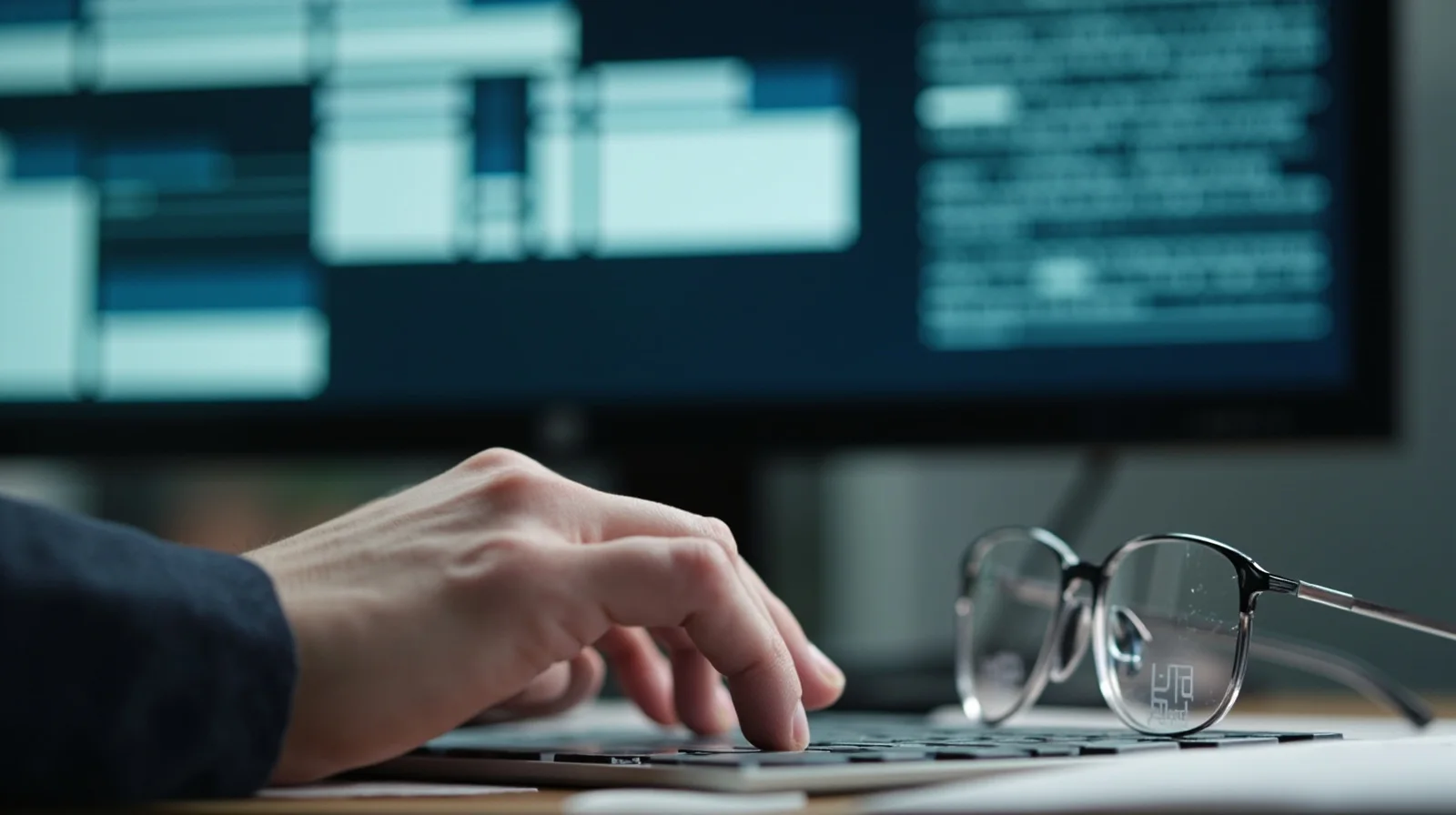
The same patterns apply beyond strictly clinical roles. Biomedical technicians document equipment service, aged-care staff log care tasks, and home-health workers record visit outcomes. Industrial teams use an analogous model for inspection and quality documentation; in care settings the requirements for privacy, cleanability and discretion are simply higher.
Where it fits the shift
Documentation as a by-product of the work, not a catch-up block
The clearest deployments target specific, repetitive documentation moments rather than attempting to record an entire shift. Programs tend to start with well-bounded workflows where a visual or a spoken note has obvious value.
- Bedside and point-of-care checks. A clinician speaks a brief note or captures a visual during the encounter, reducing after-visit catch-up.
- Medication and supply verification. Hands-free confirmation at the cart or storeroom while handling items, with no paper checklist to manage.
- Wound and condition tracking. Consistent first-person images over time support review within the provider’s imaging workflow — stored and governed entirely by that system.
- Field and home visits. Visit notes and environmental observations captured on location, so the record is written before the worker leaves.
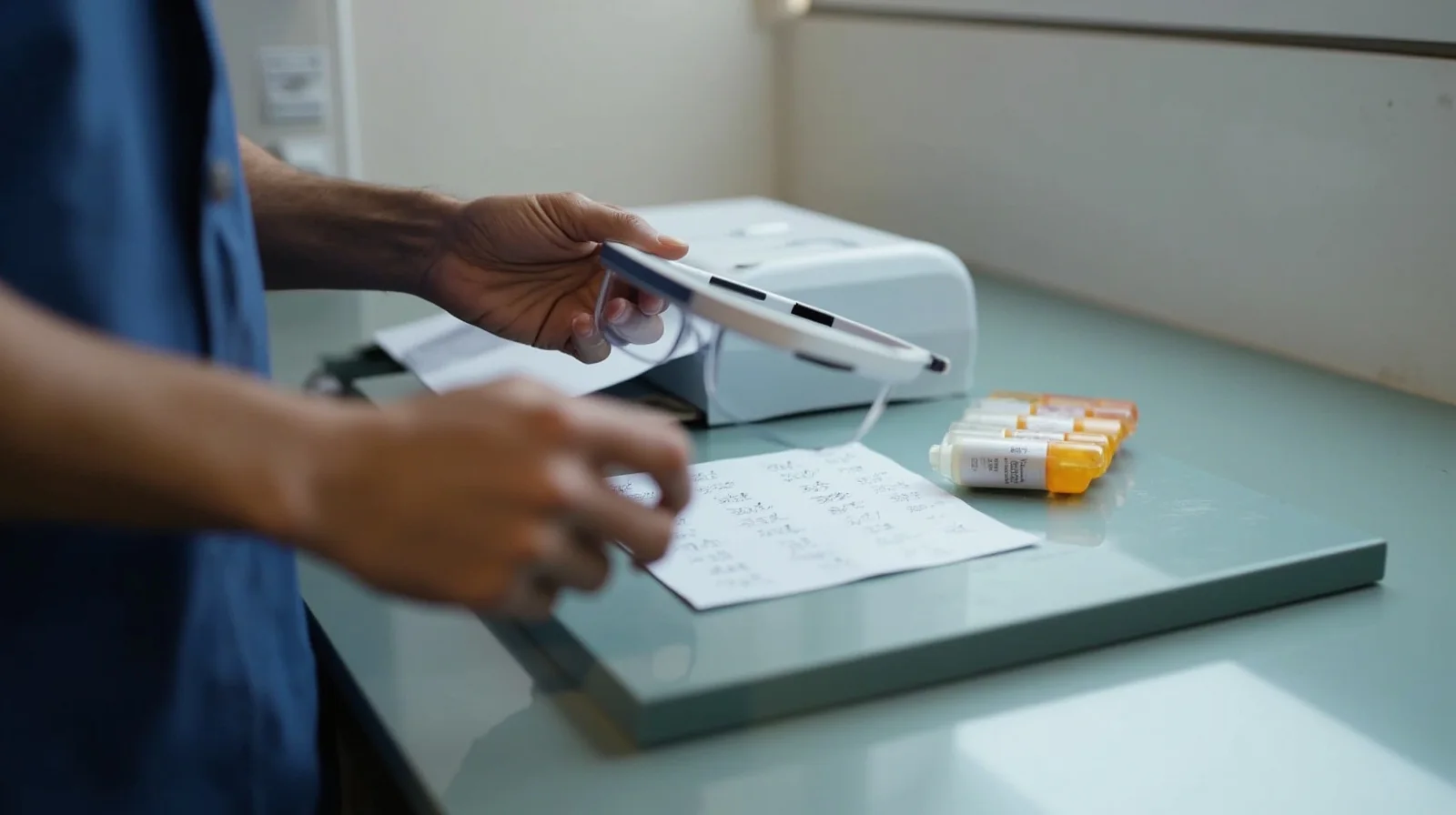
In every case the goal is to shorten the distance between observation and record. The wearable does not decide what is documented or who sees it; it removes the friction of capture so the existing documentation process receives better-timed, richer input. Speech-to-text, structured fields and record routing remain the responsibility of the software layer the organization already trusts.
Privacy by design
Indicators, scope and cleanability in shared clinical spaces
A documentation camera in a care environment is held to a higher standard than an office voice recorder. Buyers should make the following non-negotiable requirements of the hardware.
- Visible recording state. A clear indicator tells patients and colleagues when capture is active; indicator behavior is configurable so the device cannot silently record.
- Bounded capture, not always-on. Programs scope discrete capture actions — a note, a photo — rather than continuous surveillance, which is both an ethical and an adoption advantage.
- Provider-controlled data. The glasses do not act as an independent data store for clinical records; captured material is handled by the care application and its security model.
- Cleanable shared hardware. Finishes and replaceable contact parts are selected for between-user cleaning, with compatibility confirmed against the actual protocol.
- Managed identity and reset. Pairing, enrollment and reset between shifts ensure a shared device does not carry one user’s session to the next.
Consent, retention and lawful recording are policy and legal matters owned by the deploying organization for its region. CYNRIN’s role is to provide hardware that makes those policies easy to implement — obvious indicators, controlled pairing, cleanable materials — rather than to bypass them. More on this posture is on the healthcare pillar.
Hardware that survives the shift
Weight, power and audio for all-day capture
Documentation is the most continuous of the healthcare use cases, which makes wearing comfort and power honest requirements rather than secondary ones. Frames are kept light and balanced for shift-long use, with lens options for indoor lighting and fit over prescription eyewear. Power budgets are tuned to realistic voice-plus-capture profiles and stated on the program datasheet — no generic all-day claims.
Microphones are selected for intelligible dictation at conversational volume in real rooms, including the background noise of a ward; open-ear speakers keep the wearer aware of alarms, colleagues and patients. Camera-first platforms are chosen when first-person stills and clips are central; where documentation is primarily voice, an audio-first platform may be the better fit and pairs naturally with the office and work-calls use case.
Both routes are available as private-label reference platforms, with custom frame geometry, accessory tooling and fleet packaging through ODM and customization. General wireless and electronics documentation is aligned to destination markets; any clinical certification remains the solution owner’s scope.
Building the program
From one bounded workflow to a managed fleet
The most successful rollouts do not try to document everything on day one. They identify a single high-burden workflow — wound capture, visit notes, equipment service — prove the time-saving and the privacy model, then expand from there.
- Select the workflow. Choose a repetitive documentation task with clear value and a defined owner of the software record.
- Scope the platform. Camera-first or audio-first; frame, lens, microphone and power profile matched to the shift.
- Define the privacy configuration. Indicators, capture scope, pairing identity, reset and cleaning-compatible parts.
- Pilot with evaluation units. Measure the change in deferred paperwork and confirm the consent and data-handling model in practice.
- Scale as a branded fleet. Roll out with the deploying organization’s identity, multi-unit packaging and destination-market documentation confirmed per program.
The result is documentation that keeps pace with care rather than chasing it — captured responsibly, stored in the system the organization already governs, and delivered on eyewear built for repeated shared use. Start the conversation through request a quote or review the samples process.
Buying considerations
Documentation program requirements
Target workflow
A specific high-burden note or visual task to pilot, rather than blanket recording.
Capture mix
Voice notes, first-person visuals, step confirmations or open-ear prompts.
Software owner
Which care/field system receives and governs the captured material.
Active-state privacy
Visible indicator, bounded capture and clear consent/retention policy.
Shared-fleet hygiene
Cleanable parts, pairing identity and reset between shifts or users.
Shift power profile
Realistic voice-and-capture runtime stated on the program datasheet.
Browse the application
More healthcare guides
Keep exploring
Related reading
FAQ
Frequently asked questions
Do the glasses write directly into our electronic health record?
Is it always recording during a shift?
How is patient consent and privacy handled?
Can shared devices be cleaned between staff?
Which platform suits dictation-heavy use?
Build this use case into a private-label program
Tell us the workflow, environment and volume. Engineering scopes the platform, optics, power and documentation per program.