
The expertise gap
Expert knowledge is scarce; downtime waits for nobody
Every plant manager knows the arithmetic. The people who truly know a specific machine, a legacy control cabinet or a vendor subsystem are few, often located in another city or another country, and rarely standing next to the line when it stops. A junior technician on shift faces a panel of connectors and an error code; the expert who could read the situation in seconds is reachable only by phone or, eventually, by a flight.
Voice calls flatten the problem. The expert asks what the technician sees; the technician describes it imprecisely; the expert guesses; the technician walks back and forth, phone wedged between ear and shoulder, one hand unavailable. Photographs help but arrive out of context, framed after the fact, and a tablet or phone held up to a live machine occupies the very hands the repair needs. Every minute of this loop is a minute the asset is not producing.
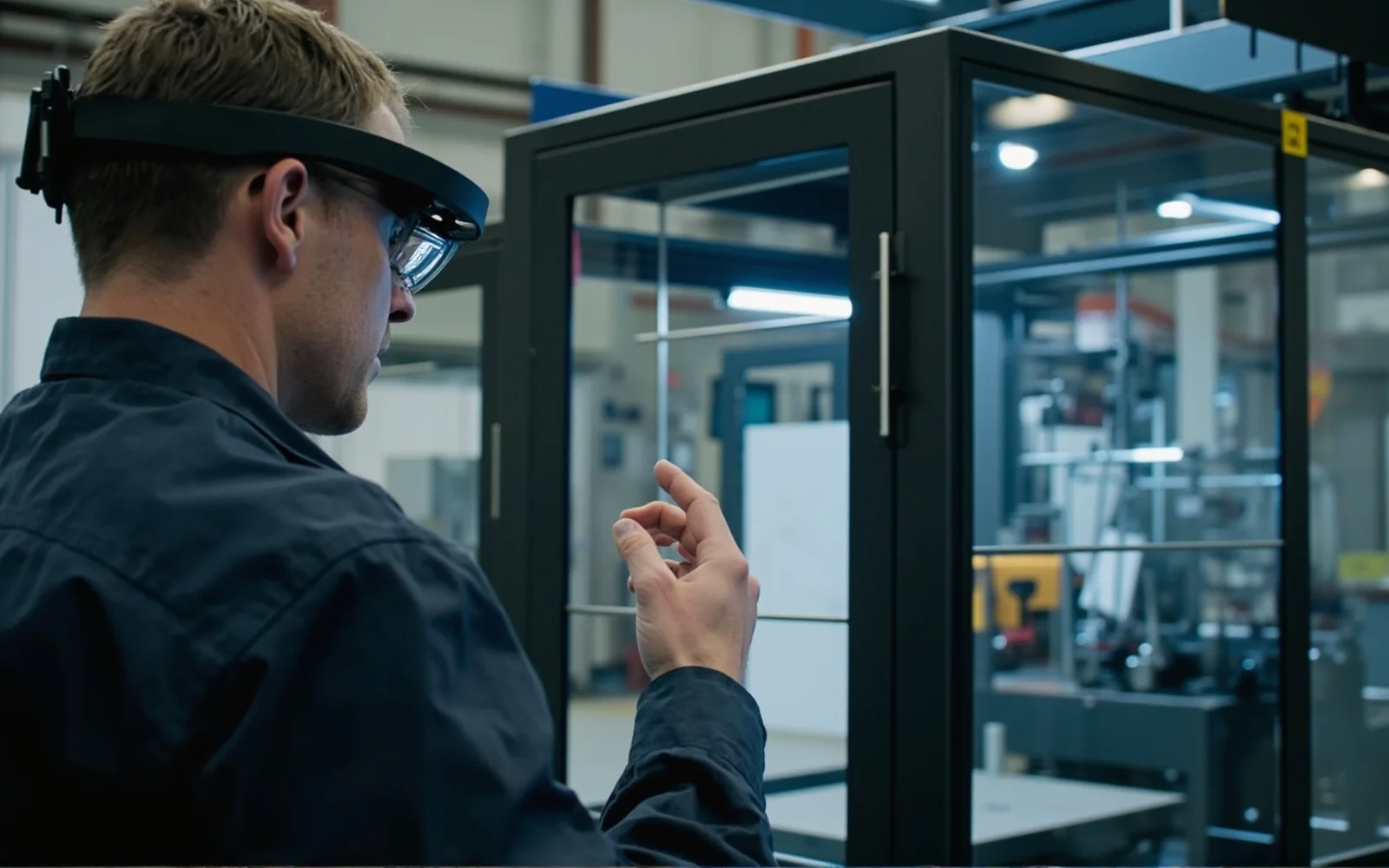
Head-worn see-what-I-see video changes the unit of communication. The camera looks where the technician looks, both hands stay on the tools, and the remote expert receives a continuous first-person view of the actual machine — not a verbal reconstruction of it. Guidance becomes spatial (“trace that loom to the left-hand connector”) rather than abstract, and the expert can often resolve a fault on the first call that would otherwise have meant a scheduled visit.
The boundary should be stated plainly. CYNRIN designs and manufactures the connected-eyewear hardware platform: the camera, open-ear audio, battery system, frame and fleet-provisioning hooks. The remote-expert application, the call routing, telestration, session recording and integration with work-order or service-management systems are built and operated by the solution partner. Buyers get the best outcome when capable hardware is paired with a mature support platform rather than expecting a glasses maker to run the service.
How a see-what-I-see session runs
What an expert call on glasses actually looks like
The flow is deliberately ordinary, because adoption depends on it being no harder than answering a call. A technician arrives at the asset, puts on provisioned glasses from the maintenance cabinet, and joins a session through the partner’s expert-call application — triggered from a work order, a dispatch console or a direct escalation. The expert opens the first-person stream on a laptop and begins to direct, rather than describe.
- Hands stay on the machine. There is no device to hold, aim or prop up. The technician loosens fasteners, operates probes and follows verbal guidance while the picture follows their gaze.
- Open-ear coaching. The expert’s voice arrives without sealing the ear, so the technician still hears the machine, colleagues and plant alarms — an important safety property on a live floor.
- Snapshots and annotations. Where the expert application supports it, a still frame can be captured and marked up, then shown or spoken back so the technician confirms the correct component before acting.
- Confirmation at the critical step. Before energizing, opening or overriding anything, the expert verifies the live view and explicitly authorizes the action; the call discipline is the control, not the glasses.
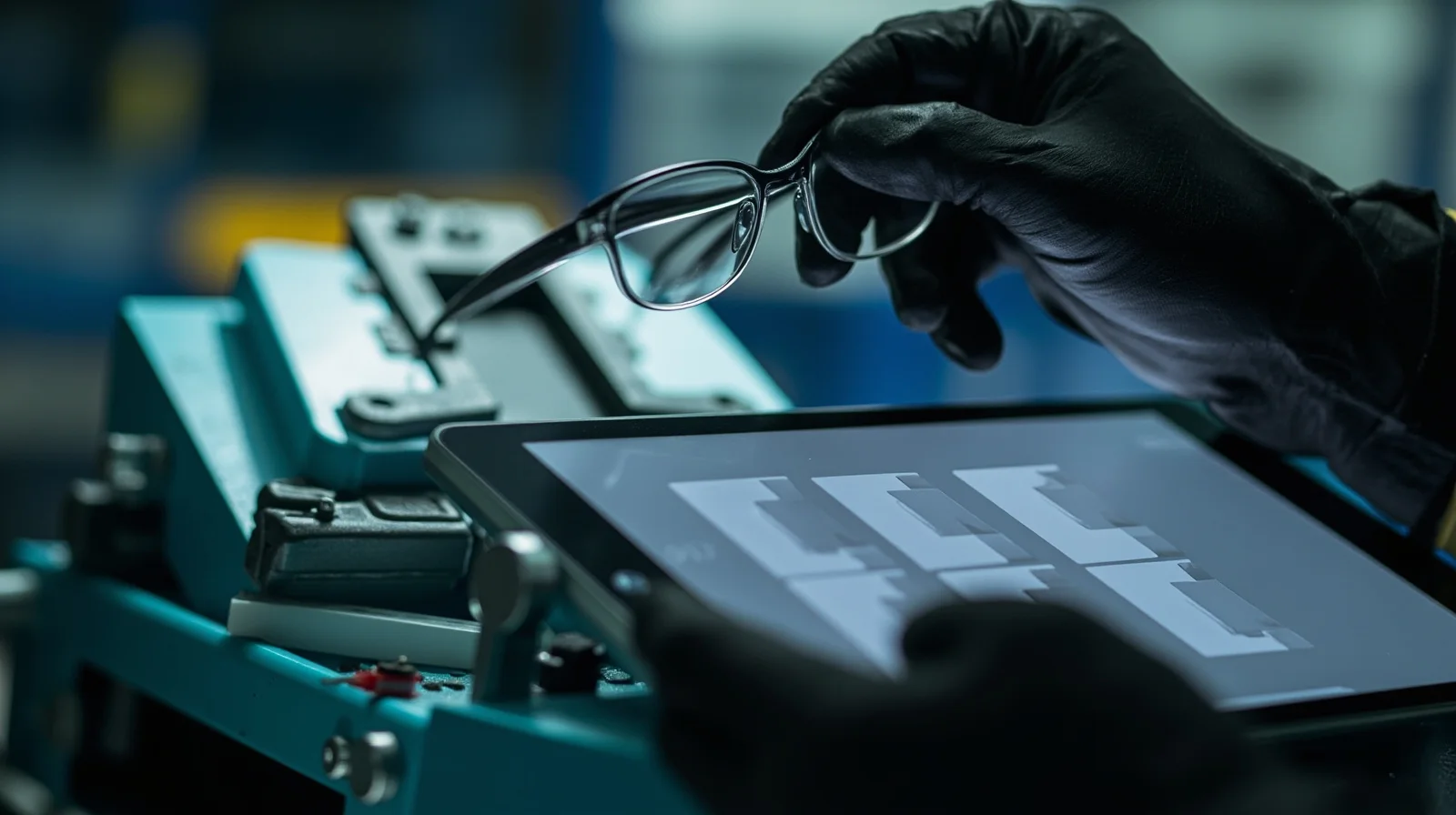
After the fix, the same session frequently doubles as knowledge capture: the recording or notes feed the site’s fault history, and the next technician facing the same code gets a first-person precedent instead of starting from scratch.
Connectivity reality
Glasses do not fix a network that was never there
The most common disappointment in remote-support pilots is not the eyewear; it is the assumption that a live video stream will work in the far corner of a plant where Wi-Fi was designed for a barcode scanner on the dock. First-person video needs real, reasonably consistent connectivity. Honest programs address the network before they blame the device.
The practical sequence is to survey coverage in the zones where calls will actually happen, then scope the solution to the reality: partner applications commonly degrade gracefully toward lower-bitrate video, snapshot-plus-voice or asynchronous clip exchange when bandwidth is constrained, and a managed device can be configured for site Wi-Fi or paired mobile gateway depending on the location. A distant pump house may genuinely be an offline clip-sharing job; a commissioning bay beside the office is a full live-call job. Treating the whole site as one environment is the usual mistake.
The same realism applies to access and security. Call admission, who may join a session, what is recorded and where recordings are retained are governed by the partner platform and the plant’s IT policy; device enrollment, certificates and reset between users are handled through the deployment’s mobile-device management approach. CYNRIN’s responsibility is hardware that provisions cleanly into that managed model, not an independent cloud the plant did not ask for.
Where remote assistance earns its keep
The strongest deployments cluster in a handful of situations: commissioning and startup of new lines, where an OEM engineer must walk local staff through unfamiliar equipment; breakdown response on assets where a specialist visit dominates the repair time; field service by machine builders supporting customer sites without dispatching a technician; and multi-site manufacturers standardizing a fix across plants. Routine, fully documented tasks rarely justify a call — those are better served by digital work instructions.
Fleet and change management
Shared devices, real workers and the floor around them
Maintenance glasses are usually a shared fleet tool, like a calibrated torque wrench, rather than a personal device. That makes provisioning and hygiene operational questions, not IT trivia. Units live in a charging cabinet, are checked out per job, identify the session rather than the wearer, and reset on return so one technician’s session cannot carry into another’s job. These behaviors are specified against the customer’s existing MDM and rugged-handheld workflows rather than invented by the eyewear vendor.
Power is planned around the shift pattern: hot-swap or charging-cabinet rotation for continuous coverage, with the exact battery and charging configuration confirmed on the program datasheet rather than promised as a generic runtime. The same discipline applies to durability: frame finishes, retention and any lens or sealing options are selected against the real environment, with protective-lens and sealing levels scoped and confirmed per program. The reference product is not presented as certified safety eyewear by default; where a program requires PPE alignment, that is engineered and documented for the program.
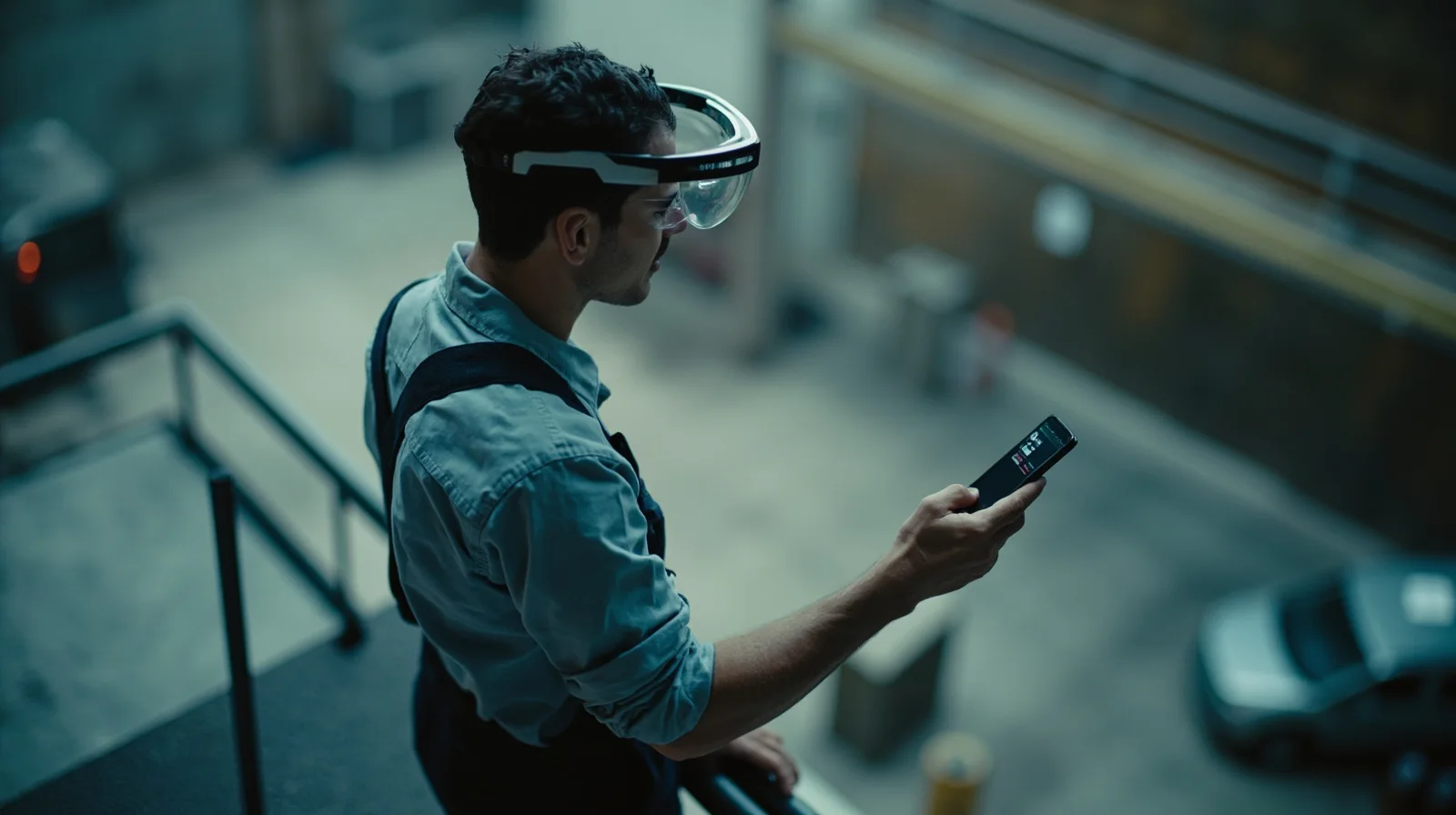
Workforce acceptance deserves the same attention as hardware. Camera glasses on a shop floor raise legitimate questions about what is being recorded and when. Programs succeed when capture state is visually obvious to bystanders, sessions are explicitly job-bounded rather than continuous, and the union or workforce consultation happens before rollout. Easier, safer work sells itself; surveillance overtones kill adoption. The same trust logic underpins the wider industrial application.
Specifying the eyewear
Camera, open-ear audio and durability for the floor
A remote-assistance endpoint is judged on whether the expert can see well enough to decide and speak clearly enough to be understood — in a real plant, not a showroom. The camera is specified for a usable first-person view of cabinets, conveyors and machine interiors under mixed factory lighting, with the field of view tuned so the technician’s hands and the work area both stay in frame. Exact sensor and optical details belong on the program datasheet; marketing megapixels do not fix a bad mounting angle.
Audio works in both directions. Open-ear speakers keep instructions intelligible at arm’s length above typical machine noise while preserving situational awareness, and microphones are selected for voice pickup in that same noise without the wearer shouting. In genuinely high-noise bays, hearing-protection compatibility and the plant’s PPE rules are reviewed during scoping.
Comfort is a reliability issue: a device that is taken off after twenty minutes delivers no remote assistance. Weight distribution, temple pressure and fit over prescription eyewear and under headwear are engineered rather than assumed, and frame/contact-part options address cleaning and multi-user wear. The power system is matched to a realistic call profile with hot-swap or cabinet rotation, stated per program. For camera-led calls the reference platform is the V03-T5 camera glasses; where a job is primarily voice coordination with light capture, the audio-led E13 Bluetooth audio glasses may be the more honest fit. Custom geometry, accessory tooling and fleet packaging are available through ODM and customization.
Building the program
The OEM/ODM path for a remote-support eyewear program
Customers for this program are typically remote-support and field-service platform companies, machine OEMs, industrial integrators and large manufacturers standardizing across sites. They already own — or partner for — the expert-call software; they need a reliable, brandable, fleet-grade eyewear platform behind it.
- Scope the workflow and environment. Define the jobs (commissioning, breakdown, field service), the sites and network reality, and the PPE/noise context before choosing hardware.
- Select the platform. Match camera-first or audio-first reference platforms to the call profile; confirm optics, audio, power and frame options against the real bay.
- Define provisioning and privacy behavior. Enrollment, session identity, reset between users, capture indicators and any PPE/sealing requirements are specified before tooling or volume.
- Integrate and brand. The solution partner connects calls to dispatch, work-order and MDM workflows; device naming, case identity and quick-start material carry the deploying brand.
- Pilot, then commit. Evaluation samples support a bounded pilot in one zone; volumes, lead time, tiered MOQ guidance and destination-market documentation are confirmed per program (see the samples process, MOQ guidance and quality control).
The result is a defensible remote-assistance product: an honest hardware specification, a network plan that survives contact with the factory, and software ownership sitting with the party running the service. Start the conversation via request a quote.
Buying considerations
Remote-assistance eyewear buyer brief
Call scenarios
Commissioning, breakdown, field service or multi-site standardization; live calls versus asynchronous clips.
Network reality
Surveyed coverage in the actual work zones, with graceful-degradation expectations agreed up front.
Audio environment
Measured noise levels, hearing-protection rules and open-ear intelligibility requirements.
PPE and sealing
Safety-eyewear, headwear and environmental-sealing needs scoped and confirmed per program.
Fleet model
Shared cabinet checkout, session identity, reset between users, hot-swap or charging rotation.
Software ownership
Which expert-call platform handles routing, recording, work-order and MDM integration.
Browse the application
More industrial & manufacturing guides
Keep exploring
Related reading
FAQ
Frequently asked questions
When do camera glasses beat a phone or tablet for remote support?
What happens where plant Wi-Fi is weak or absent?
Are these certified safety glasses for the plant floor?
Who provides the remote-expert software and call platform?
What volumes and branding are possible for a fleet?
Build this use case into a private-label program
Tell us the workflow, environment and volume. Engineering scopes the platform, optics, power and documentation per program.