
The teaching gap
Hands-on skills do not survive a screen-first classroom
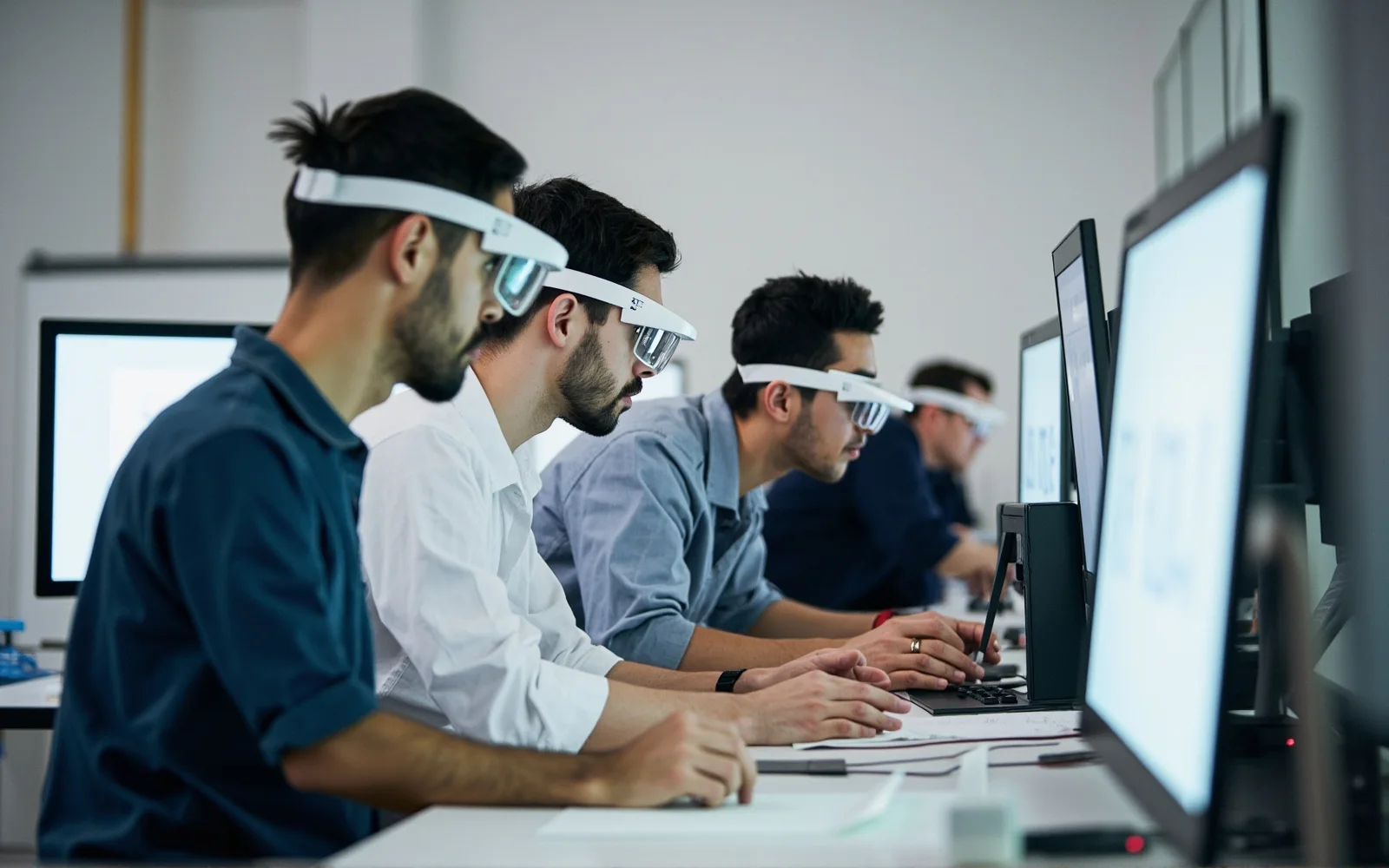
Vocational and technical education is built on doing. Welding, electrical work, automotive service, nursing skills, culinary technique, lab procedure and advanced manufacturing all live in the hands and are judged in motion. Yet the default digital tools are screen-first: a video watched before the lab, a manual consulted mid-task, a worksheet completed after it. Each one requires the learner to stop the work, look away, and translate two-dimensional instruction into a three-dimensional gesture.
The instructor’s bottleneck is the mirror image. One expert can physically stand behind only a handful of students at once, and the angle that actually teaches — the learner’s own view of hands, tools and workpiece — is the angle the instructor cannot occupy. Assessment scales poorly for the same reason: reviewing thirty first attempts means thirty shoulder-to-shoulder sessions.
Head-worn eyewear addresses both sides at once. Prompts and narration arrive while the student performs, so instruction overlaps the task instead of interrupting it. A first-person camera records the attempt exactly as performed, for review, evidence and remote mentoring, with both hands still on the tools. The device disappears into safety eyewear — something many workshops already require — rather than announcing itself as a gadget.
The ownership boundary is critical in education. CYNRIN builds the hardware platform: durable, cleanable, resettable eyewear for shared fleets. The curriculum, learning platform, assessment rubrics, student-data handling and any compliance or accreditation claims belong to the school, district or education-solution provider. The glasses carry content; they do not decide outcomes.
The learning loop
Prompt, perform, record, debrief
Classroom programs that succeed run a consistent four-step loop, and the hardware serves each step without changing the workshop routine.
- Prime. Students watch or hear the expert reference immediately before the bench session — the same reference-POV model used in procedural training elsewhere.
- Perform with prompts. Open-ear narration and step cues arrive while the real task is underway, so eyes stay on the workpiece and hands stay on the tool.
- Record the attempt. A first-person clip documents each student’s own procedure for evidence, self-review or instructor assessment.
- Debrief and repeat. Instructor and student compare the attempt to the reference; the next repetition carries one specific correction.
- Remote instruction. A subject expert joins a live first-person feed from another campus or from industry, coaching a procedure they could not travel to supervise.
- Self-paced stations. Rotating lab stations deliver standardized narration, so one teacher can run a room where students work at different speeds.
- Assessment evidence. Dated first-person records support competency-based grading and portfolios, governed entirely within the institution’s systems.
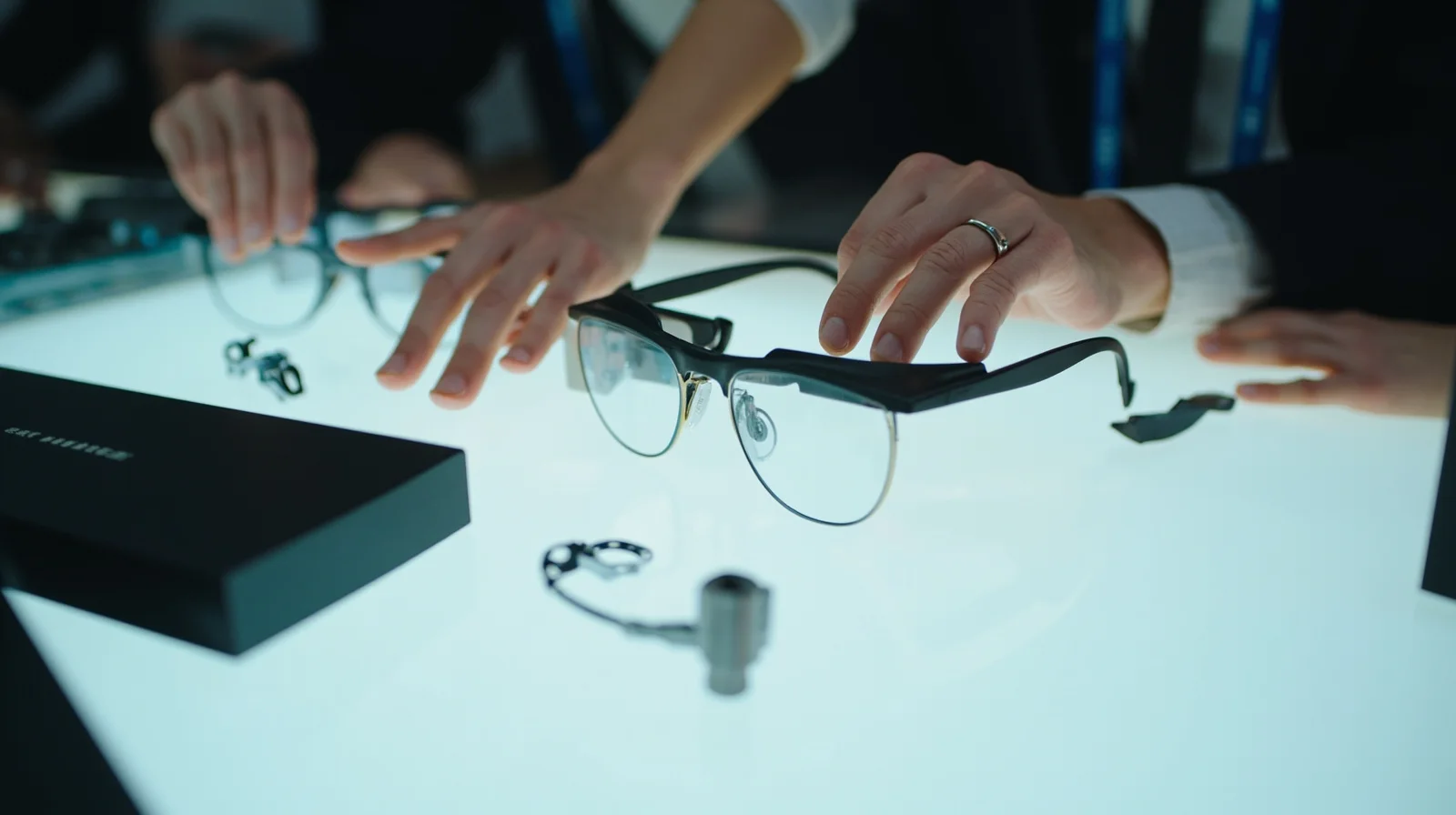
This is the educational sibling of healthcare’s surgical training POV, and the reference-rehearse-record loop is identical; the differences are environment, safety-equipment overlap and the procurement reality of schools.
Where it is used
Programs and facilities built around real tasks
The use cases with the clearest return are the ones where the hands, the tool and the judgment all have to work together.
Vocational and technical high schools
Automotive, construction, electrical and manufacturing shops use guided bench work and recorded practice to stretch one instructor across larger cohorts. Because students include minors, capture policy and camera-free options are specified before deployment, not after.
Community colleges and trade programs
Health-science skills labs, welding, HVAC and mechatronics programs build competency libraries: expert reference clips paired with student attempts, reusable across semesters and campuses.
Corporate and apprentice training
Equipment manufacturers and field-service organizations run customer and apprentice training on the same procedures technicians perform on the job — bridging school floor and workplace, as in industrial digital work instructions.
Accessibility and differentiated instruction
Open-ear narration supports students who benefit from hearing steps while working, keeps the room audible for safety, and avoids the isolation of sealed earbuds. The accessibility case is developed in the assistive & accessibility guide.
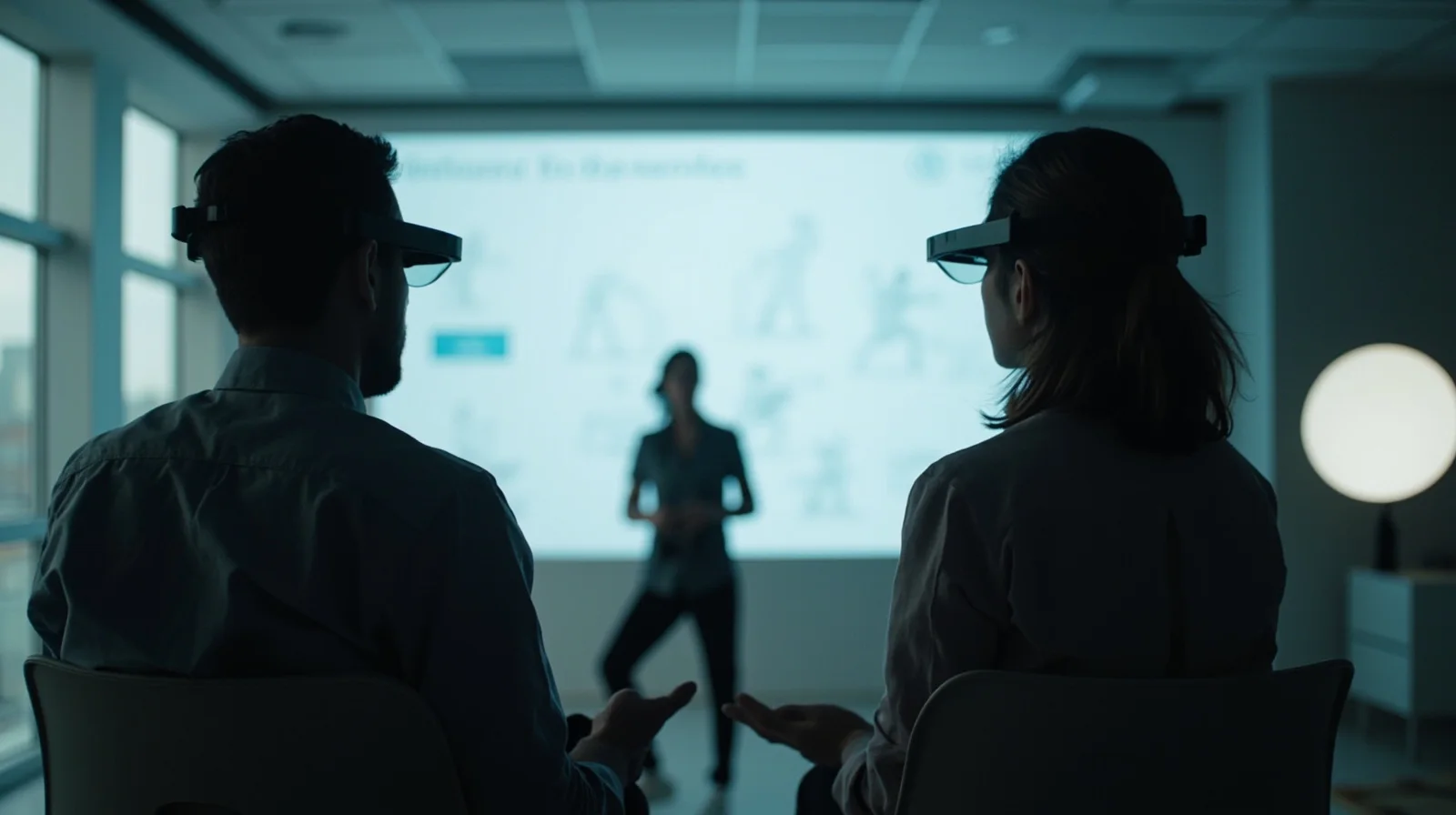
Institutions that only need narration — language labs, guided tours, lecture capture on the move — are better served by the camera-free model covered in museum, tourism & guiding.
Fleets, privacy and procurement
A class set is a managed device, not a personal gadget
Schools operate fleets the way stores do, with two added pressures: the wearers may be minors, and procurement is bureaucratic. Both are design requirements for the hardware program.
- Reset between students. Sessions and pairing clear at the charging bay so a class set moves between periods without carrying one student’s account to the next.
- Numbered, chargeable units. Bays or cabinets with numbered slots, bulk charging and quick-start material make a thirty-unit kit handout routine rather than a lesson in itself.
- Durable and cleanable. Frames, contact parts and finishes survive bench work and between-class cleaning; compatibility with the district’s cleaning agents is confirmed per program.
- Obvious capture state. A visible indicator makes recording unambiguous to classmates and instructors, supporting consent policy in classrooms with minors.
- Camera-free audio fleets. Programs that need narration but not video specify audio-only units, removing the student-privacy question entirely.
Content and data governance sit with the educator: where clips are stored, who views them, retention and parental consent follow the institution’s learning platform and its jurisdiction — CYNRIN stores no student data and ships no LMS. Procurement officers get aligned destination-market documentation and inspection evidence through the standard quality-control process, while any specific educational compliance claim is validated by the program owner.
Safety-equipment overlap deserves an honest sentence: these are general connected-eyewear platforms, not certified safety goggles. Programs that require impact-rated protection use the glasses alongside required PPE or scope compatible geometry under a custom program rather than claiming protection the reference product does not carry.
Specifying the hardware
Built for benches, budgets and many face shapes
A class set is fitted to nobody in particular and worn by everybody, which changes the fit brief. Frames are kept light and balanced for sessions the length of a lab period, with temple and nose-pad options chosen to sit securely over downward gaze and movement, and styling that works under workshop caps and over prescription eyewear where the program requires it.
For camera-led programs the V03-T5 provides first-person capture with open-ear audio; its camera is specified for readable procedure footage under flat workshop light rather than cinematic output. For narration-first fleets the E13 and value-tier K01 audio platforms deliver open-ear prompts and hands-free calls with zero capture — usually the larger-volume SKU in education because it answers the privacy question by absence.
Open-ear tuning matters in safety terms: instruction must be clear while machine noise, the teacher and the rest of the room remain audible. Power is matched to a class-period duty cycle of standby, prompts and short recorded attempts and stated on the program datasheet. Fleet packaging — numbered bays, bulk charging, protective cases, spare contact parts — is part of the bill of materials from day one. Branding, colors and asset-tag-friendly surfaces are handled through customization, custom geometry through ODM.
Building the program
For educators, EdTech vendors and equipment brands
Buyers are typically school districts and college procurement teams, vocational-training EdTech companies that own the content and need a reliable wearable endpoint, and equipment manufacturers kitting customer-training centers. The path to a defensible deployment is well established.
- Define the curriculum moment. One program, one task type and one assessment goal for the pilot rather than a campus-wide vision.
- Choose camera or camera-free. Match the platform to whether recorded practice evidence is required, defaulting to audio-only where it is not.
- Lock the privacy and PPE model. Indicator behavior, consent and retention policy, reset routine and safety-equipment boundary before purchase.
- Scope fleet and branding. Class-set size, charging furniture, contact-part spares and institution branding through OEM and customization.
- Pilot one semester, then scale. Evaluation samples support a real cohort; MOQ, lead time and documentation are confirmed per program.
The product that results is humble in the right way: durable shared eyewear that carries expert instruction into the exact moment of practice, leaves assessment and data with the educator, and survives three years of class handouts. Begin with request a quote or review MOQ guidance; the general FAQ covers program questions common to all education and retail deployments.
Buying considerations
What to specify in an education eyewear brief
Task and program
The specific hands-on skill, session length and whether students are minors.
Camera vs camera-free
Recorded practice evidence versus narration only; default to audio-only when unsure.
Content and LMS owner
Whose platform hosts prompts, clips, assessment and student records.
Class-set logistics
Fleet size, numbered charging bays, reset between periods and contact-part spares.
Privacy and consent
Visible indicators, retention policy and parental/student consent for the jurisdiction.
Cleaning and PPE
Cleaning-agent compatibility and the boundary with certified eye protection.
Browse the application
More retail & education guides
Keep exploring
Related reading
FAQ
Frequently asked questions
Can the glasses run our LMS or instructional content?
How is student privacy protected, especially for minors?
Do the glasses qualify as safety goggles in a workshop?
What does a shared class set need?
Can we evaluate a class set before district purchase?
Build this use case into a private-label program
Tell us the workflow, environment and volume. Engineering scopes the platform, optics, power and documentation per program.